Your contact form is losing you clients

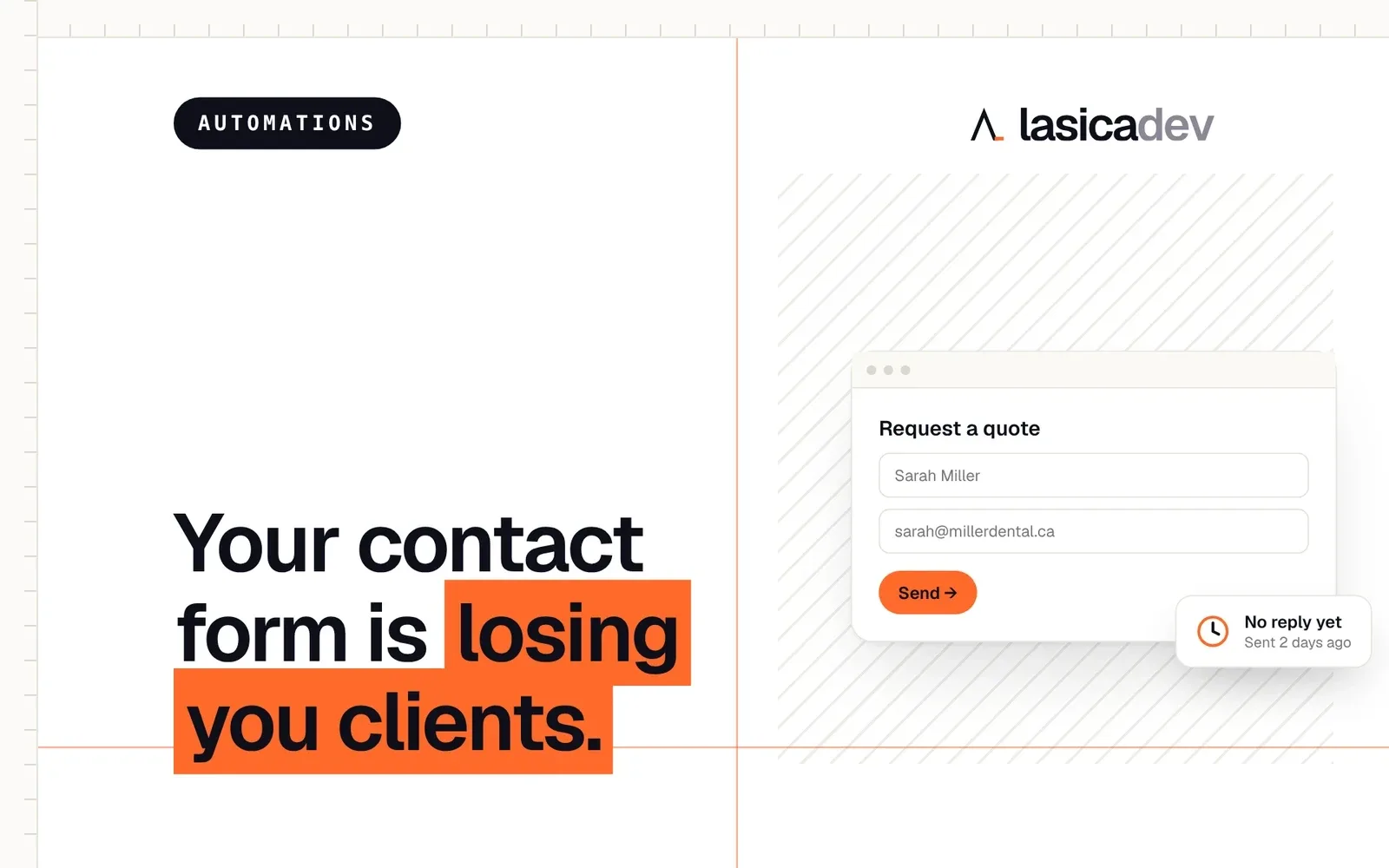
You spent money on a website so people would reach out. Someone finally does. They fill out the form, click send, and then… nothing happens for two days.
By then, they’ve already called someone else.
Most businesses spend a lot of energy getting people to the contact form, and almost none on what happens after it. That’s where the leak is. Not in the design, not in the traffic, but in the silence after “send”.
Why speed matters so much
Think about what the person was doing when they filled out your form. They had a problem, they searched for a solution, and they probably opened three or four websites. Yours was one of them.
They didn’t only contact you. They contacted everyone who looked decent. Now it’s a race, and the business that replies first has a huge advantage. Not because the others are worse, but because the person already has a conversation going with someone. They’ve explained their problem once. They don’t want to do it again.
When your reply arrives two days later, it’s not a bad reply. It’s just too late.
What usually happens
Here’s the setup I see on most small business websites:
- The form sends an email to a general inbox, like info@ or contact@.
- That inbox is checked once a day, or once a week, or by whoever remembers.
- Sometimes the email lands in spam and nobody sees it at all.
- The person who filled out the form gets a generic “Thanks, we’ll be in touch” message on the screen, and nothing in their inbox.
From the client’s side, it looks like nobody is home. From your side, it looks like the website doesn’t bring in leads. Both are wrong. The leads come in; they just leak out before anyone catches them.
What should happen in the first minute
The fix isn’t to sit at your desk refreshing your inbox. It’s to let the website do the first part of the job for you, automatically, every time.
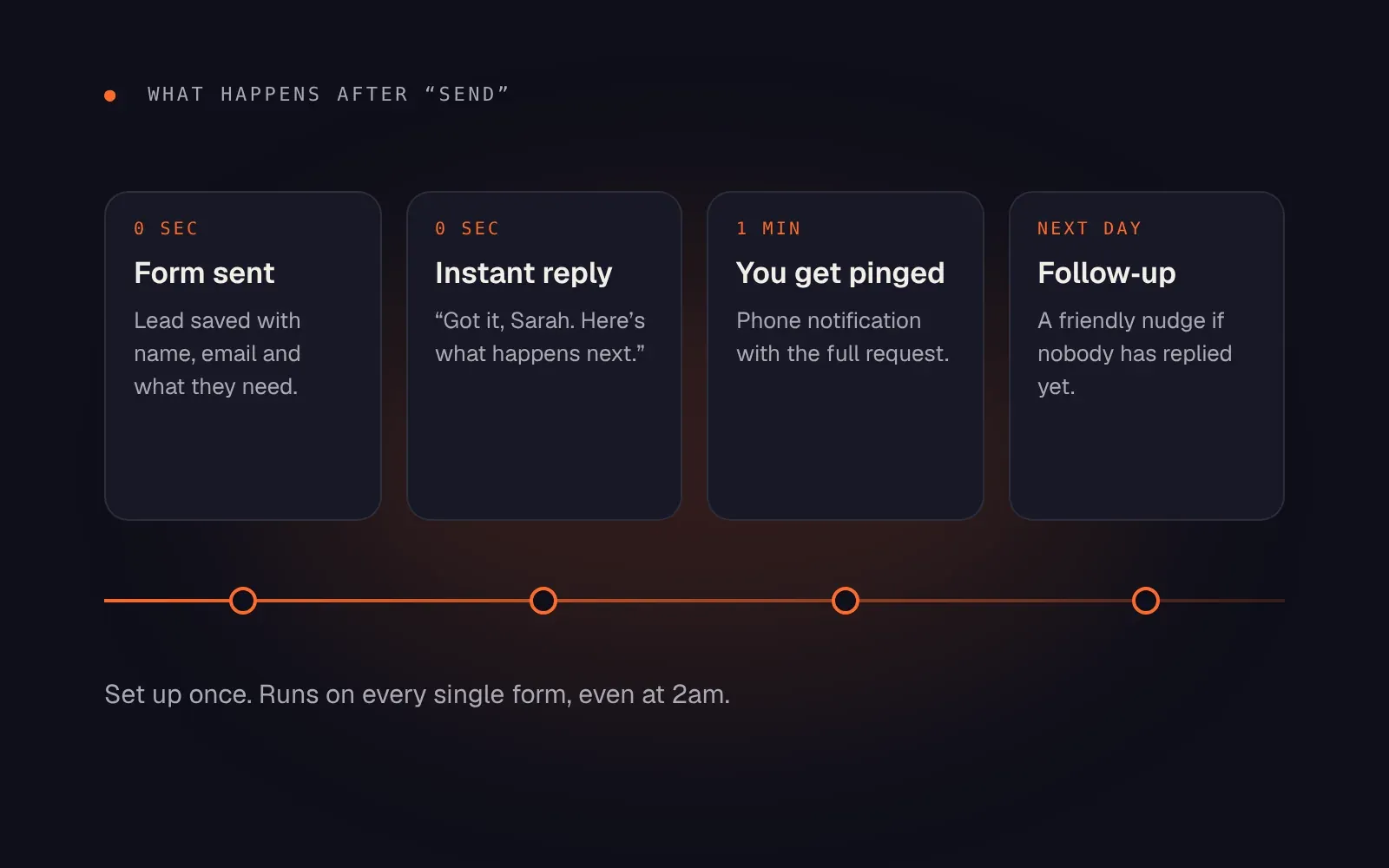
Here’s what a good setup does:
- Saves the lead. Every request goes into one place, like a spreadsheet or a CRM, with the name, email and what they need. Nothing gets lost in an inbox again.
- Replies instantly. The person gets an email right away, written like it came from you: “Got it, Sarah. Here’s what happens next.” It tells them when you’ll get back to them and what to prepare.
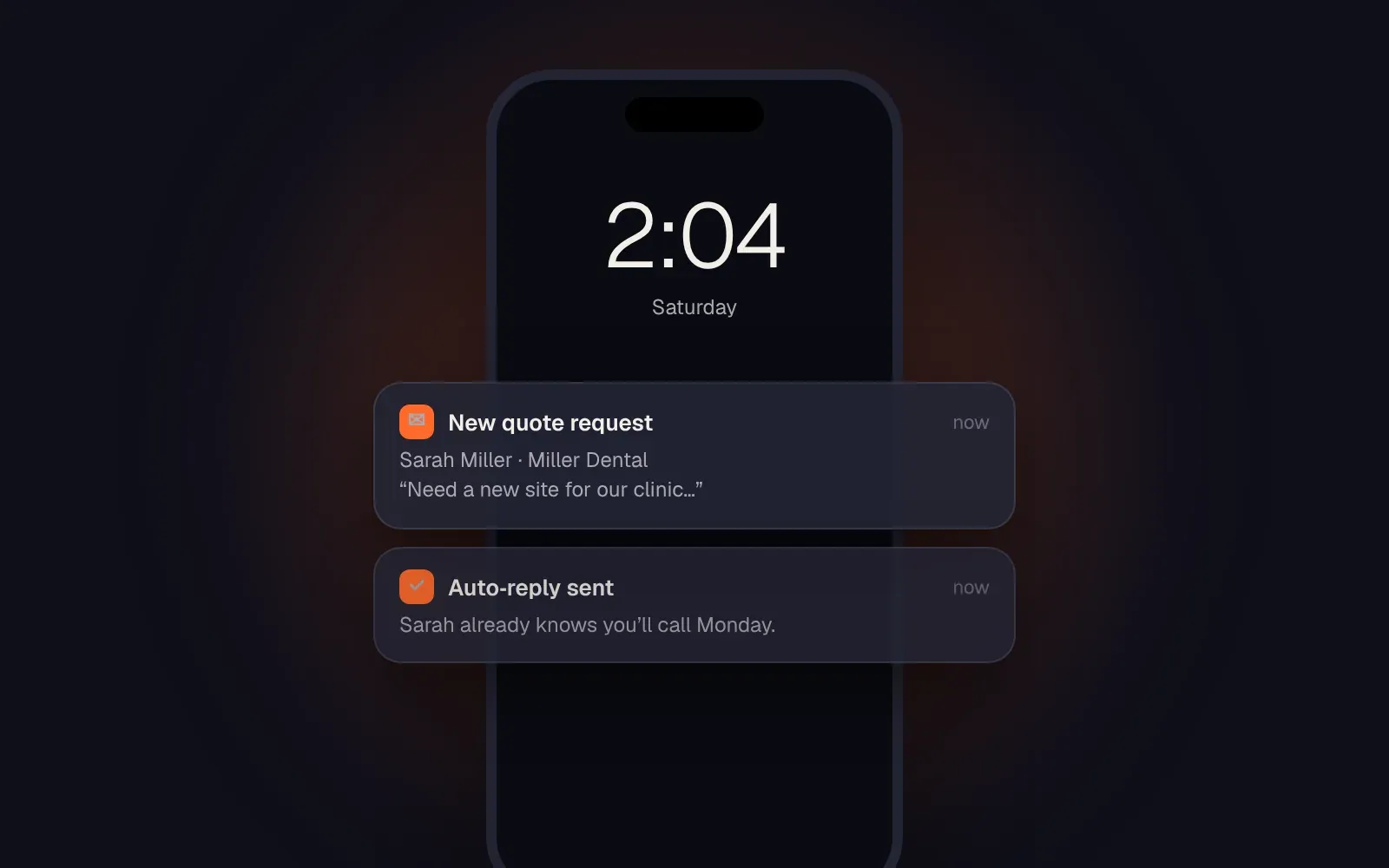
- Pings you. You get a notification on your phone with the full request, so you can call back while they still remember filling out the form.
- Follows up. If nobody has replied by the next day, a friendly reminder goes out to you, or a short message goes to the client so they know they haven’t been forgotten.
None of this replaces you. It just covers the minutes and hours when you’re busy, asleep or on a job site.
The instant reply is the biggest win
If you only do one thing from this list, do the instant reply.
It costs nothing, it takes an hour to set up, and it changes how the whole experience feels. Instead of wondering whether the form worked, the client gets a clear, human message within seconds. They know you received it. They know when you’ll call. Most importantly, they stop looking.
A good instant reply is short and specific:
- thanks them by name
- confirms what they asked for
- says when they’ll hear back, and stick to it
- gives one useful next step, like a link to book a call directly
Avoid the robotic “Your submission has been received” tone. It should read like a person wrote it, because a person did. You just wrote it once.
Make the form easier, too
While you’re at it, look at the form itself. Every extra field is a reason to give up. Ask only what you need to reply well: name, email, what they need, and maybe their website or phone number. Everything else can wait for the call.
And replace “Submit” with a button that says what happens: “Send my request” or “Get my quote”.
Set it up once
You don’t need expensive software for any of this. Tools like Make, Zapier or the automations built into your website platform can handle the whole flow. It’s set up once and then runs on every single form, even at 2am on a Saturday.
The result isn’t more traffic or a new design. It’s simply that the people who already wanted to work with you don’t slip away while you’re busy.
Not sure where your form sends its messages, or how fast you actually reply? Book a discovery call and we’ll walk through it. Fixing the leak is usually faster than you’d think.